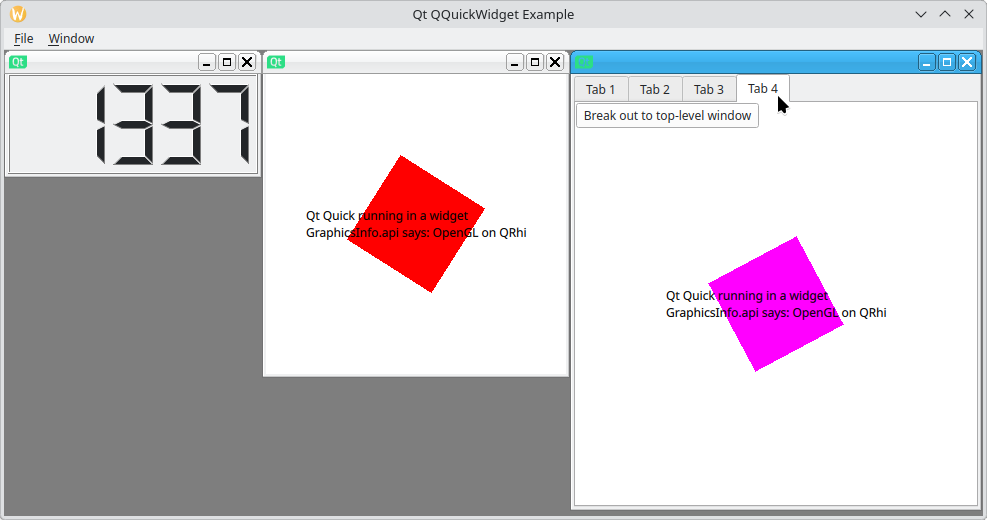
Qt Quick Widgets Example
Demonstrates how to mix Qt Quick with a Qt Widgets application using the QQuickWidget class.
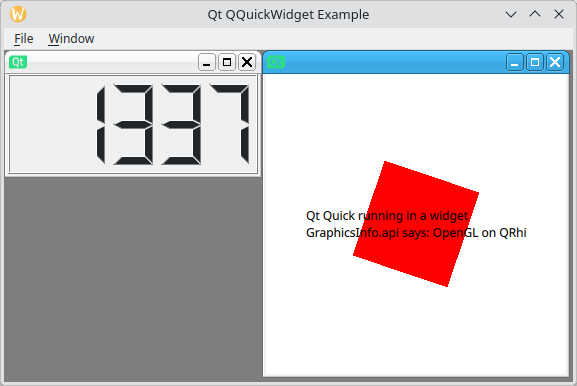
The example demonstrates how you can embed Qt Quick scenes inside a Qt Widgets application, and how different UI aspects integrate between Qt Widgets and Qt Quick. This includes:
- Tab focusing between Qt Widgets and Qt Quick
- Embedding a QQuickView inside a QLayout
Running the Example
To run the example from Qt Creator, open the Welcome mode and select the example from Examples. For more information, see Qt Creator: Tutorial: Build and run.
Qt Quick view integration
To demonstrate seamless integration of Qt Quick view, the example implements several approaches of taking a screenshot of the Qt Quick view.
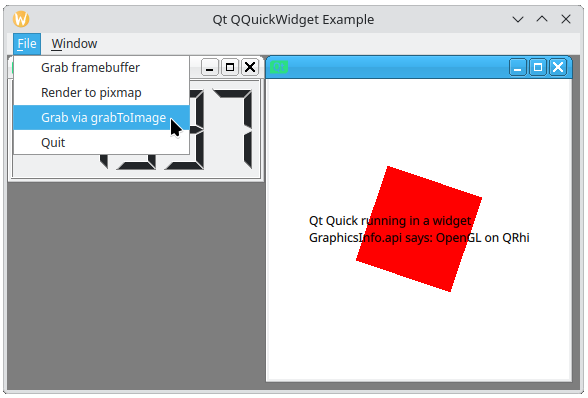
In the main menu, select File, then select any of these options to grab a screenshot of the Qt Quick view:
- Grab framebuffer - grabs the screenshot using the QQuickWidget::grabFramebuffer function.
- Render to pixmap - grabs the screenshot using the QWidget::render function and a QPixmap instance as a parameter. This approach is common for Qt Widgets.
- Grab via grabToImage - calls the
performLayerBasedGrabfunction declared in the QML file. TheperformLayerBasedGrabfunction calls QML Item's Item::grabToImage function to grab the screenshot. This approach demonstrates how to call nested view's QML APIs from C++.
QQuickWidget in MDI
The example also demonstrates how you can use QQuickWidget to seamlessly integrate hardware accelerated Qt Quick scenes in a Qt Widget Multiple Document Interface (MDI) application.
To open a new MDI subwindow, in the main menu, select Window > Add tab widget.